Conference Website Dynamic Data Inclusions, Conference Tools, and Information ScreensStefano Deiuri - Elettra-Sincrotrone Trieste S.C.p.A.
This talk will showcase the variety of SPMS generated reports which can be included in your conference website and are automatically updated as data evolves is your SPMS instance. A number of useful applications for poster police, doting boards, and other information screens will be showcased.
Scheme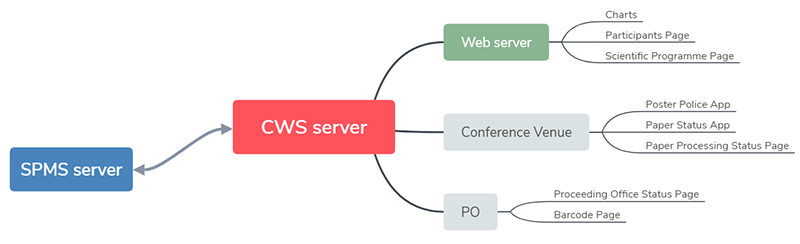 In this scheme the CWS server and Web server are separated but in case you manage the website these can also coincide.
InstallationClone the package to your server (ex. /var/www/html/) with this command git clone https://github.com/JACoW-org/CWS.git CWS To run the scripts you need a web server that support php!
Directory structure
ConfigurationThe configuration file config.php is available in the root of the package.
Global configurationSome global parameters shared by the scripts have to be configured in the global section of the configuration file. define( 'ROOT_PATH', '/var/www/html/jacow-spms-cws' );
cws_config =array(
'global' =>array(
'conf_name' =>'IPAC18'
'conf_url' =>'http://ipac18.org'
'spms_url' =>'https://spms.fnal.gov/pls/ipac18'
'root_url' =>'http://ipac18.org/cws'
'spms_passphrase' =>' see @ SPMS / System parameters / Web configuration page '
'cws_timezone' =>'Canada/Pacific'
'date_start' =>'2018-04-29'
'date_end' =>'2018-05-04'
....
Script configurationEach script has its own section in the configuration file, usually it is not needed to change the default values.
SPMS configuration for Registrants' ChartDependency: "Include Registrants on Statistical Reports" flag in the registration page ( 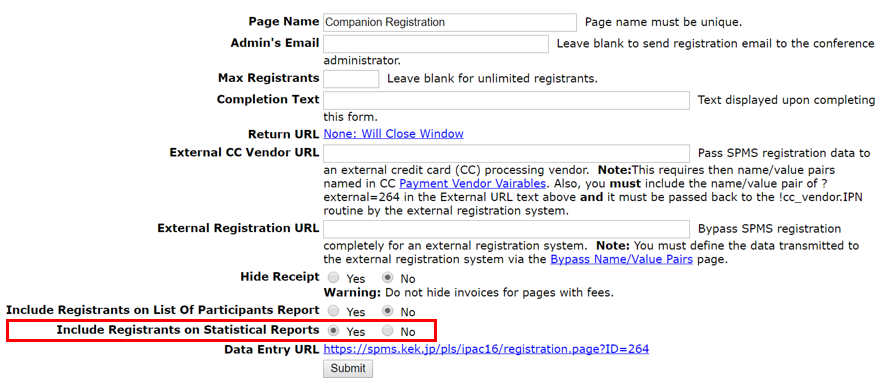
SPMS configuration for Participants PageDependency: "Include Registrants on List Of Participants Report" flag in the registration page properties of the SPMS. 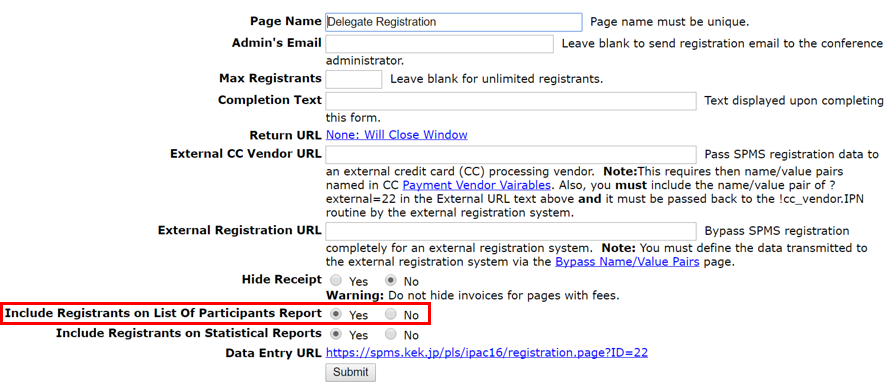
CronThe data into the SPMS are continuously updated so the scripts must be executed periodically. To simplify this task the package provides the script cron.php that reads the configuration file and executes each script at the right time. The global setting cron_enabled enables or disables this script. The cron parameter available in the script section of the configuration file controls when to run it.
 'spms_stats_importer' =>array(
    'cron' => '*:*' // the script is run each minute

 'spms_importer' =>array(
    'cron' => '*:00' // the script is run each hour at minute 00

 'make_chart_registrants' =>array(
    'cron' => '*:05' // the script is run each hour at minute 05, after the new data are imported
to disable the automatic execution of a script, use: 'cron' => false // the script is not run
Index pageThe script index.php available in the root of the package gives you access to the contents of the different scripts. 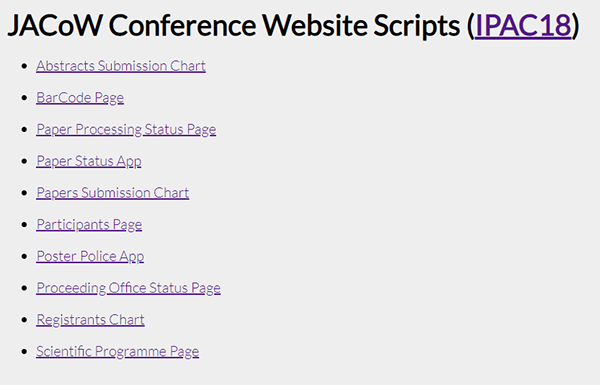
ChartsThese scripts processes data collected from the SPMS and produces two files (HTML and Javascript) to render the chart. (by way of Google API) Template files are used to simplify the integration with the conference website
Abstracts Submission ChartScript: make_chart_abstracts 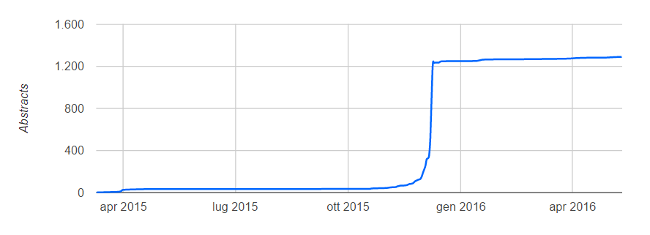
Papers Submission ChartScript: make_chart_papers 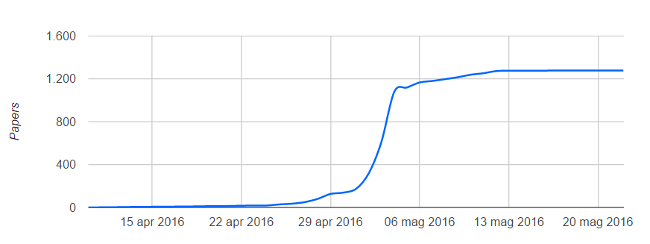
Registrants ChartScript: make_chart_registrants 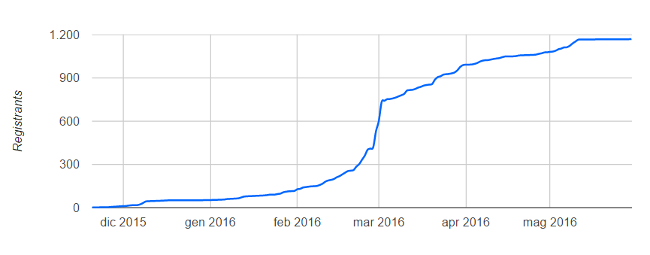
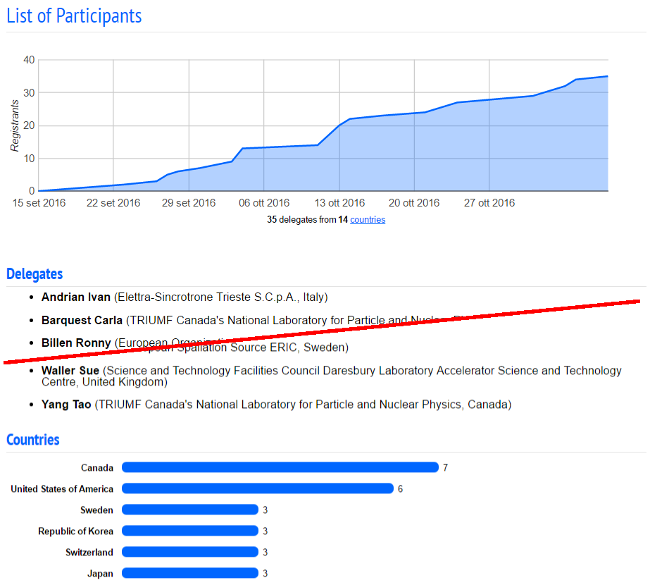
Participants PageScript: make_page_participants This page summarizes the data of the recordings, it includes these elements:
Programme PageScript: make_page_programme The script produces:
Day view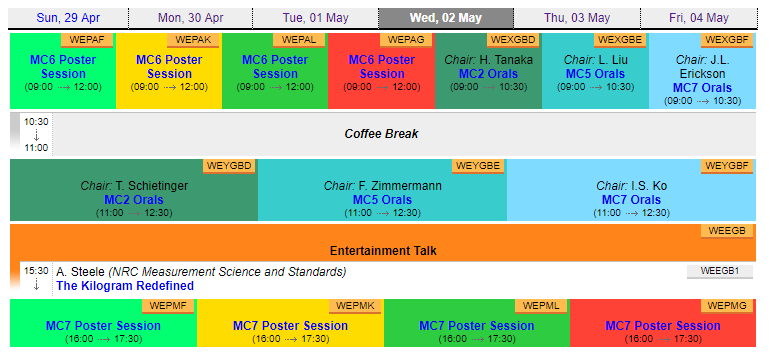
Day view - with abstract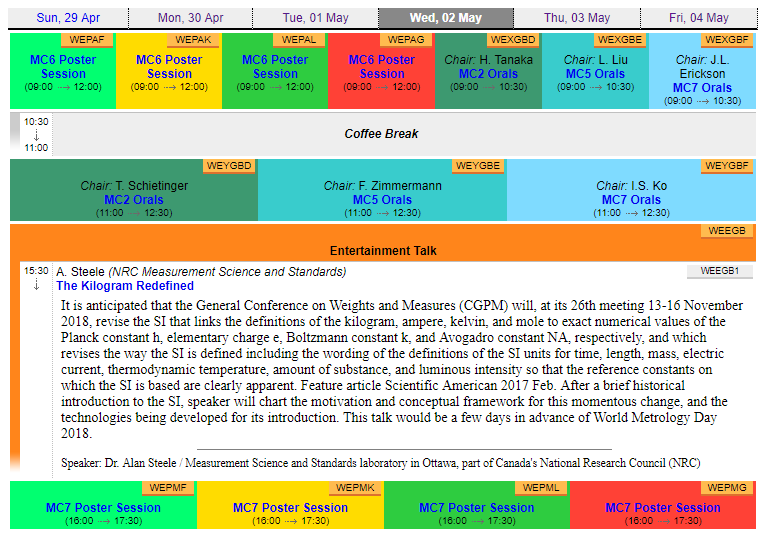
Day view - session expanded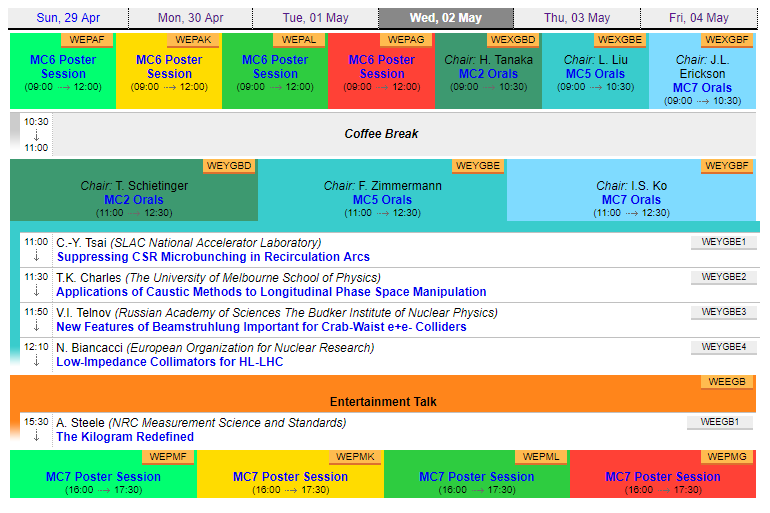
Poster Police AppScript: app_poster_police This is the only script sending data to the SPMS, for this reason an access password is required, and must be set in the relevant section of the configuration file. This is a tool to collect information about the posters - needed for the production of the proceedings
Login page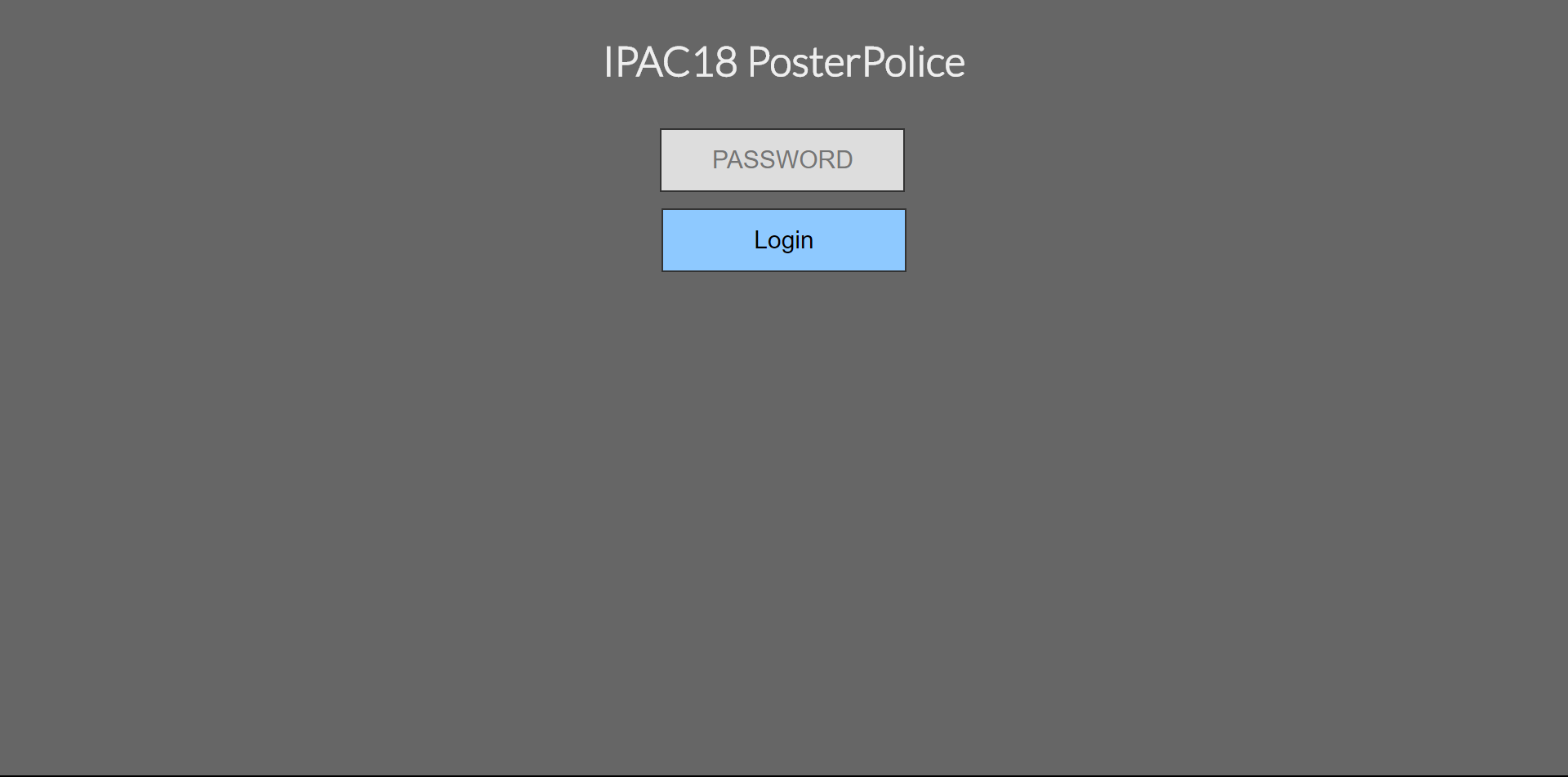
Home page - day chooser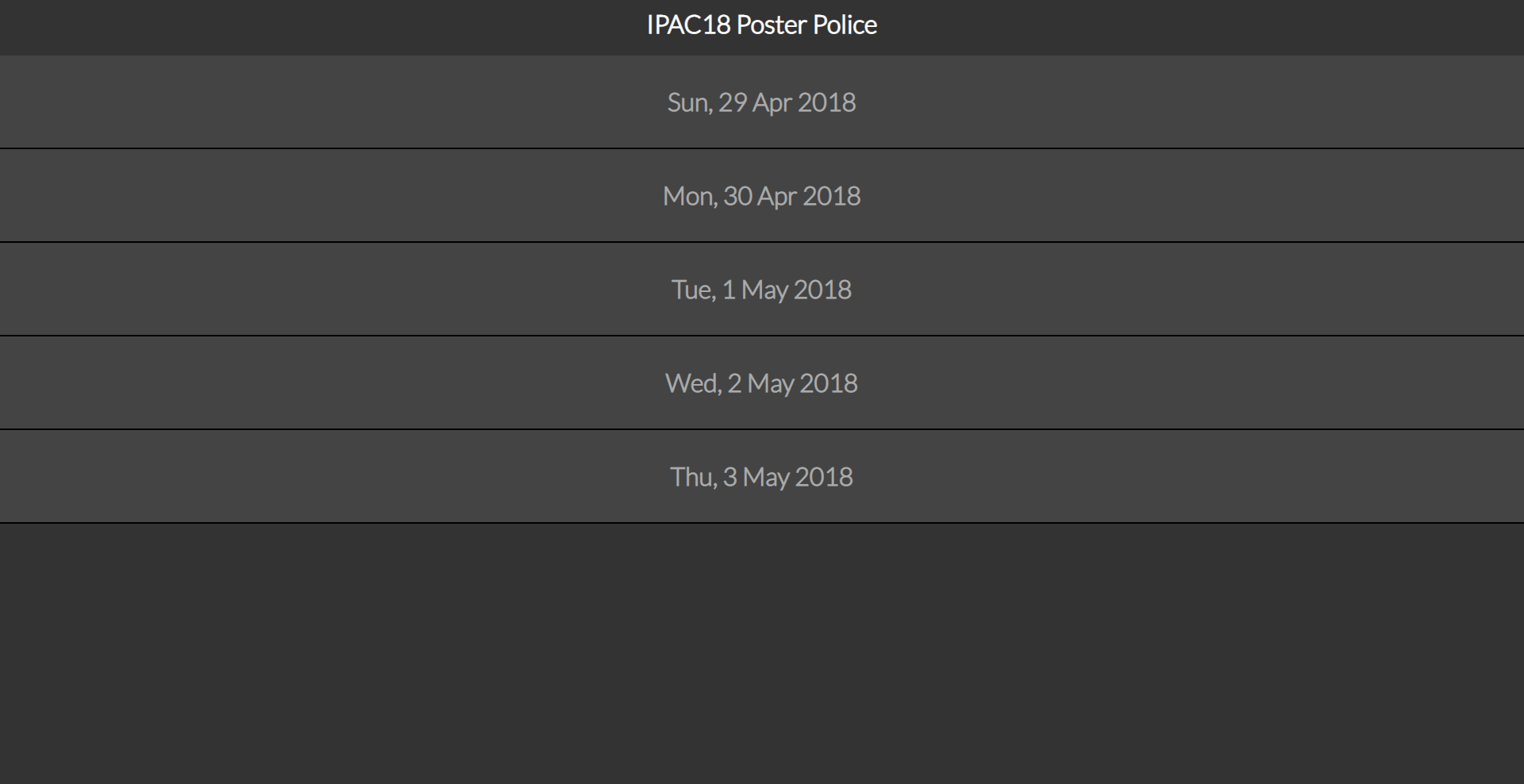
Day view - session chooser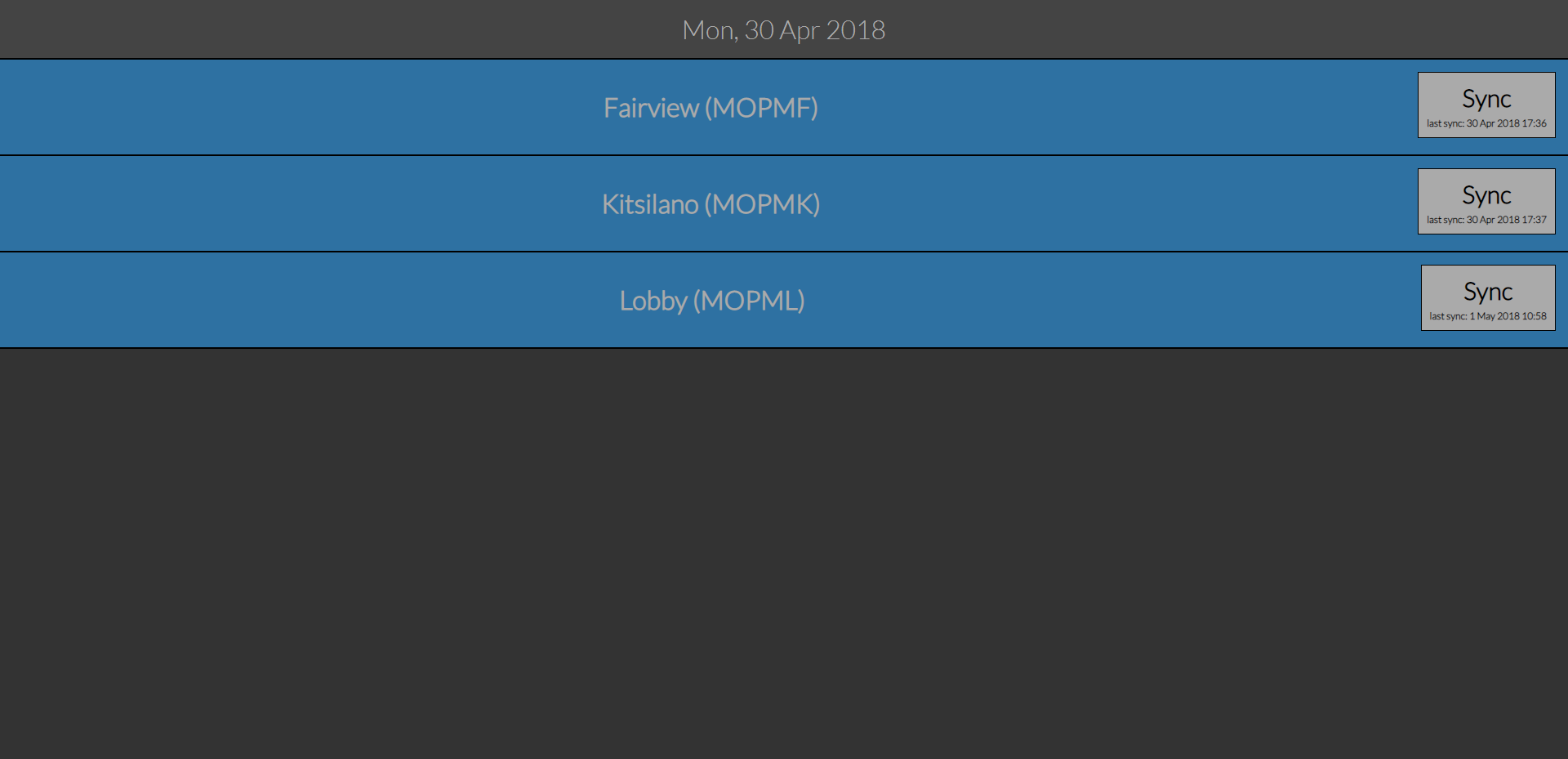
Session overview - poster chooser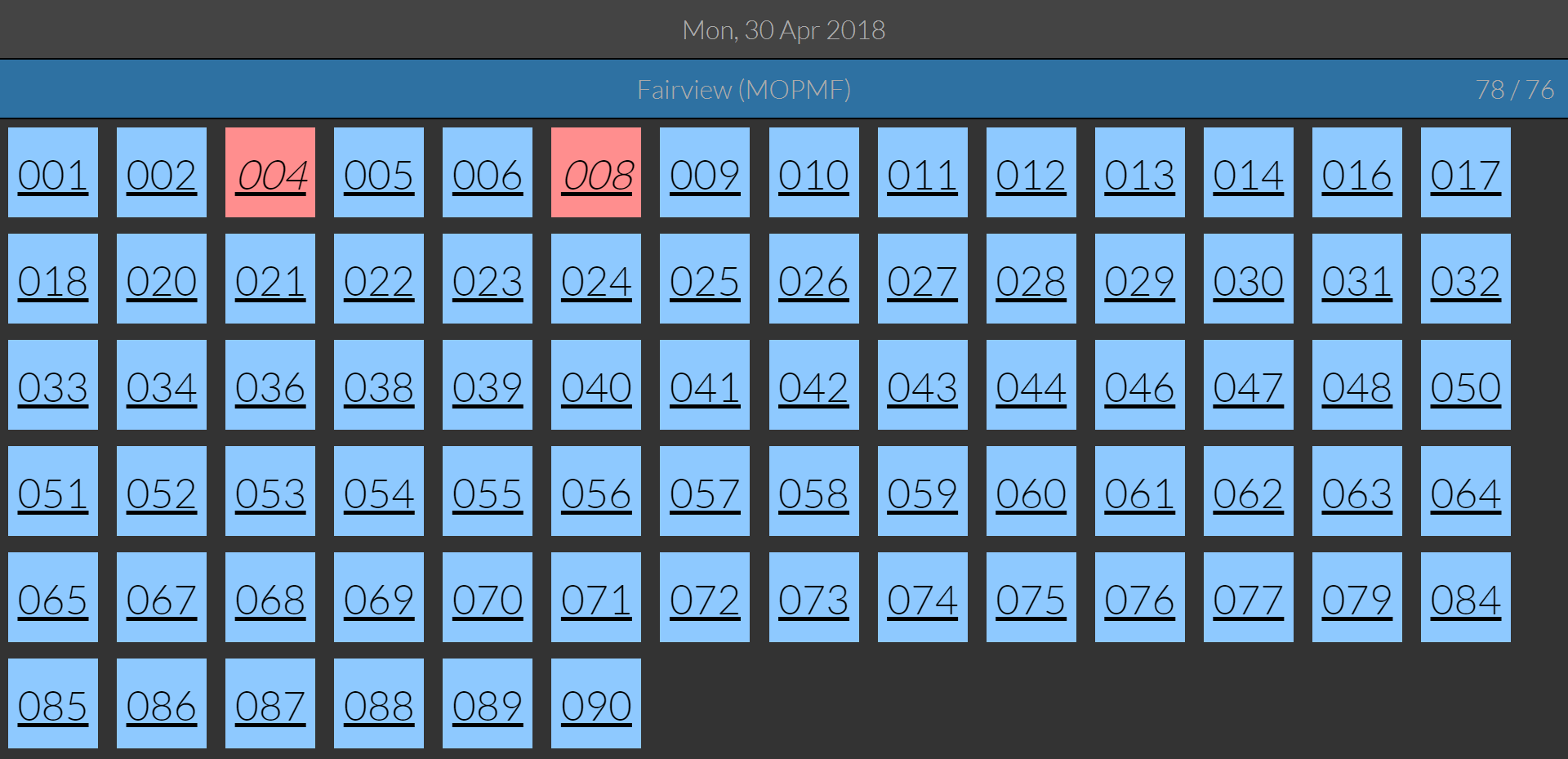
Poster details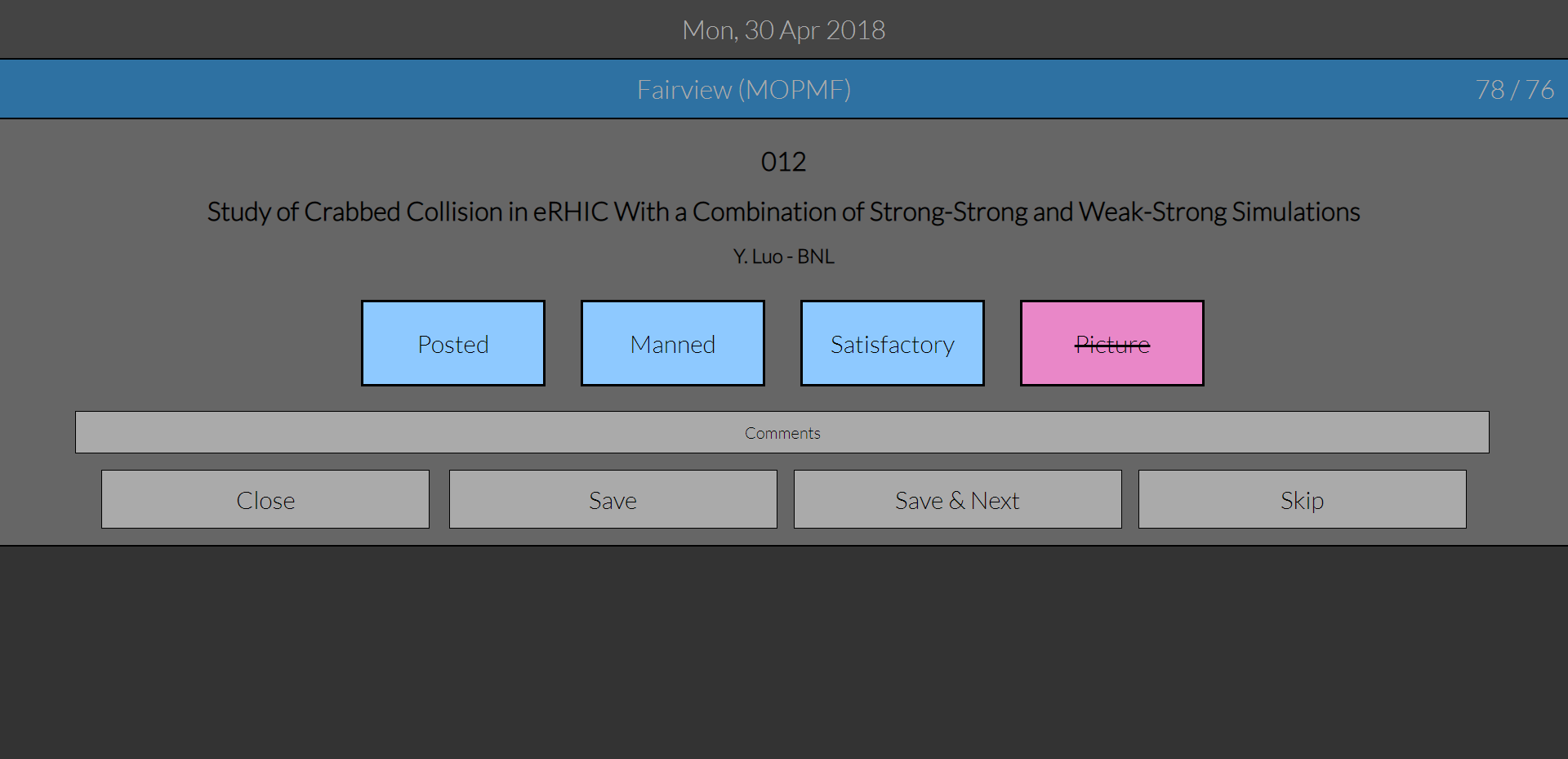
Proceeding Office Status PageScript: page_po_status This page provides several charts that allows to monitor how the work proceeds in the Proceedins Office.
History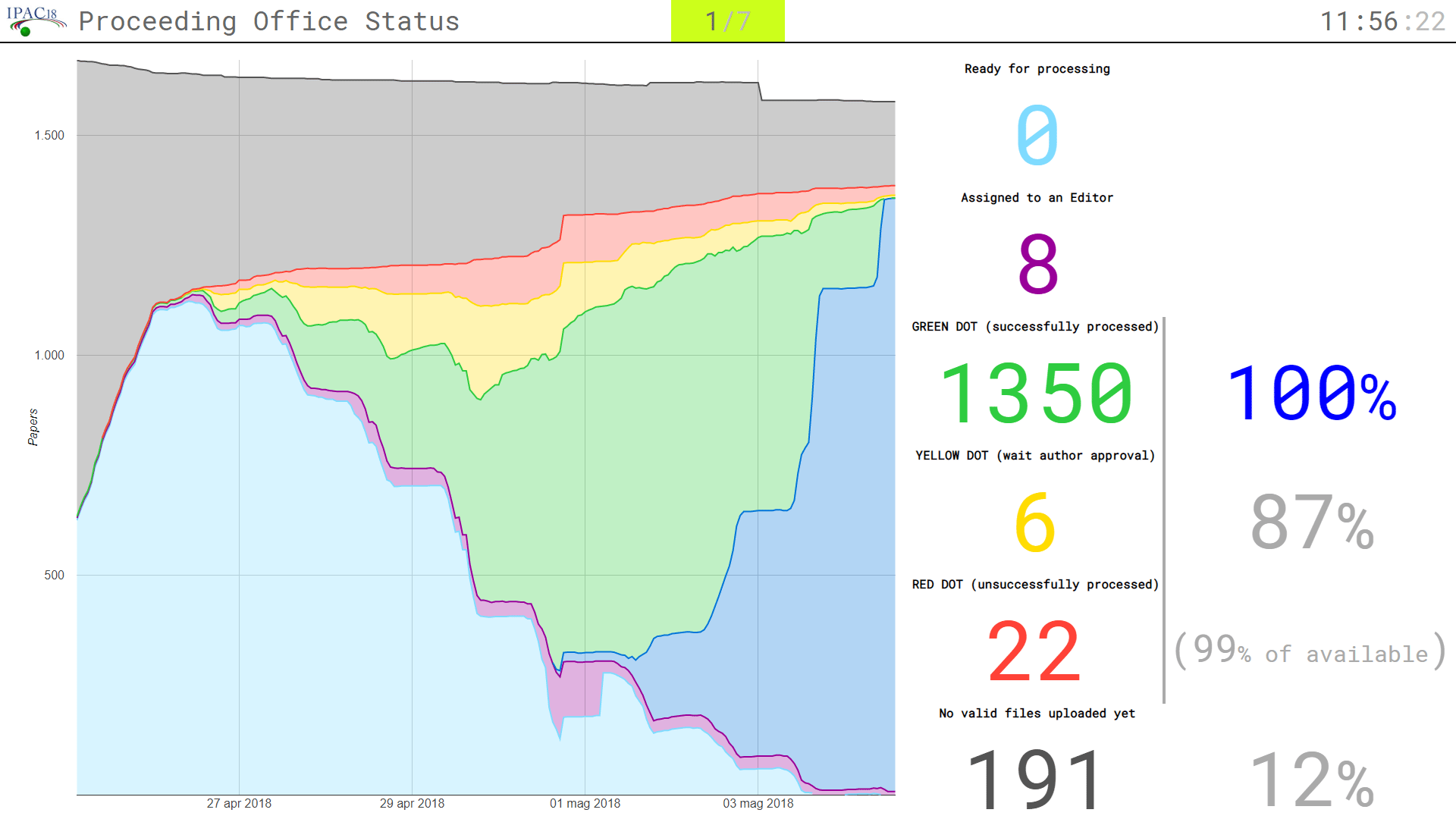
Summary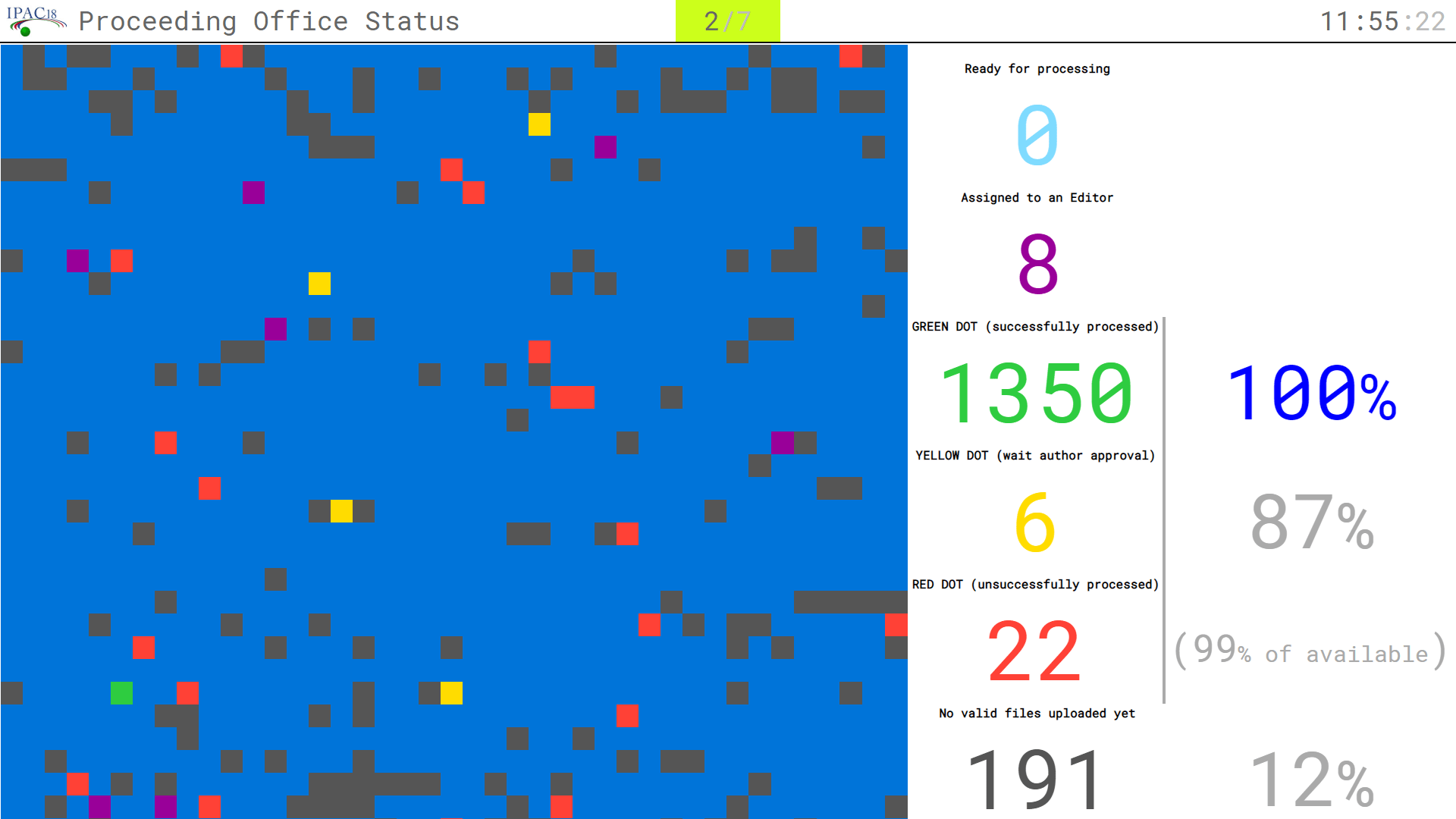
Paper Hourly Rates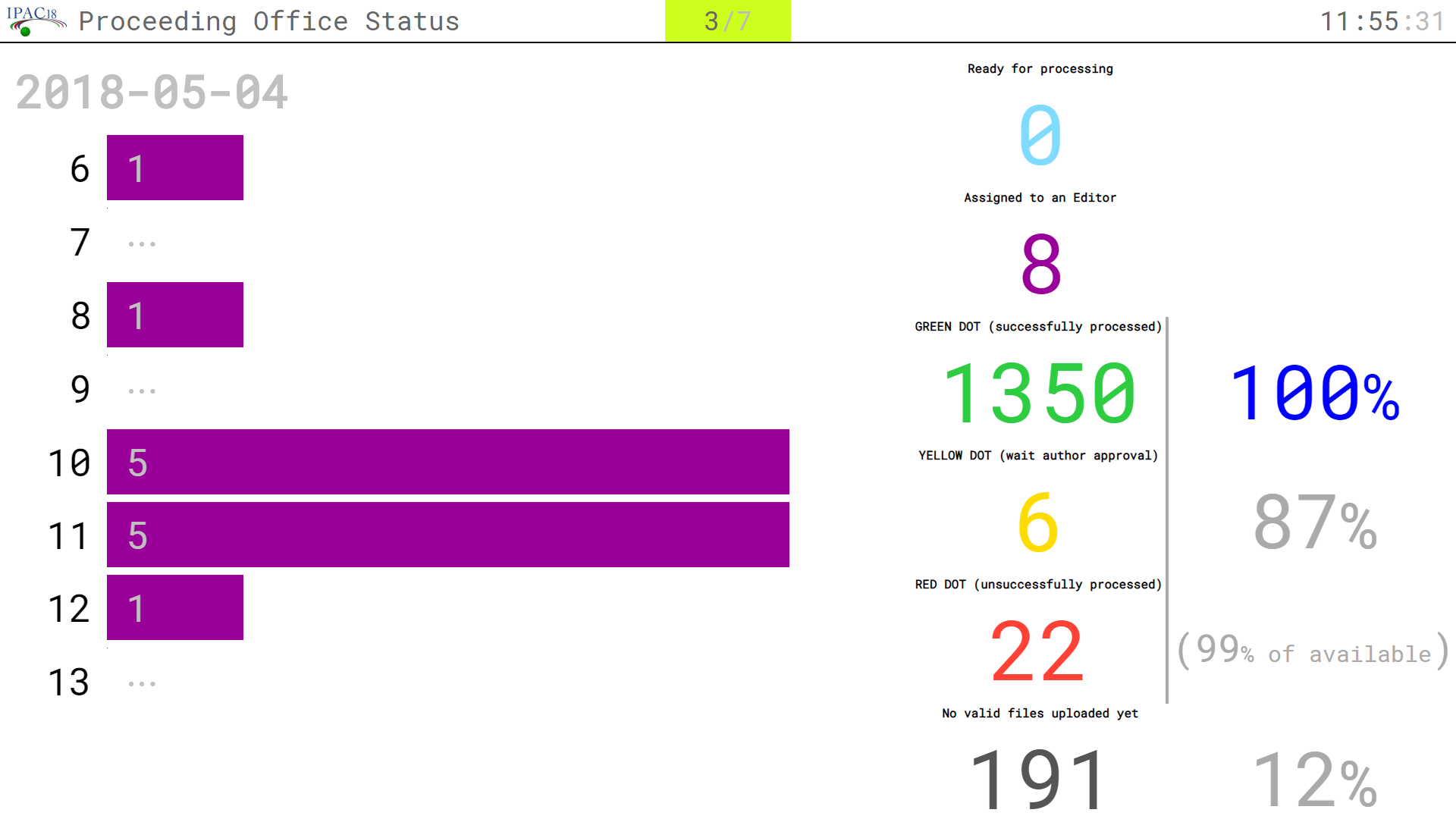
Paper Daily Rates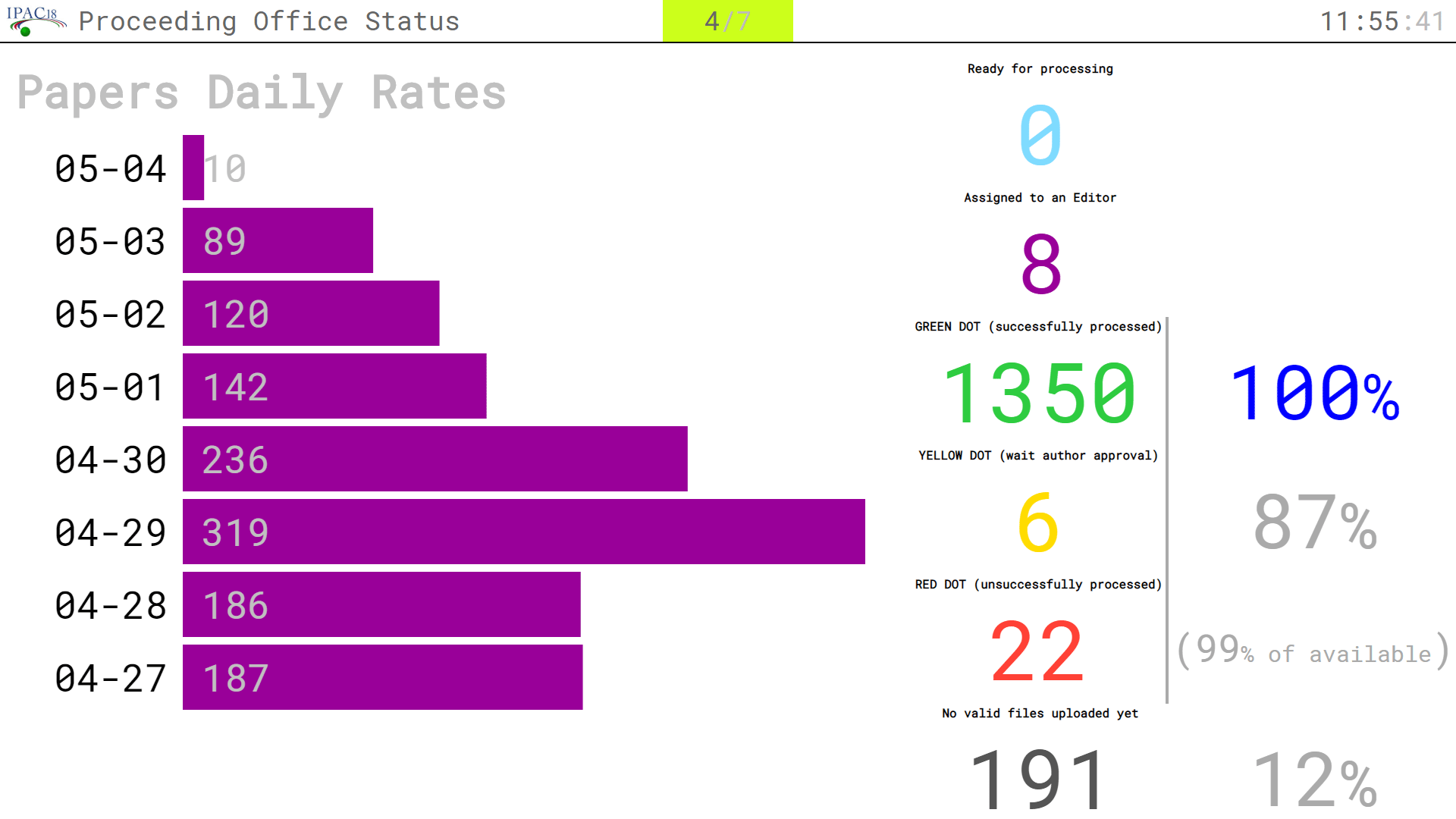
Editors Top 10 (Paper)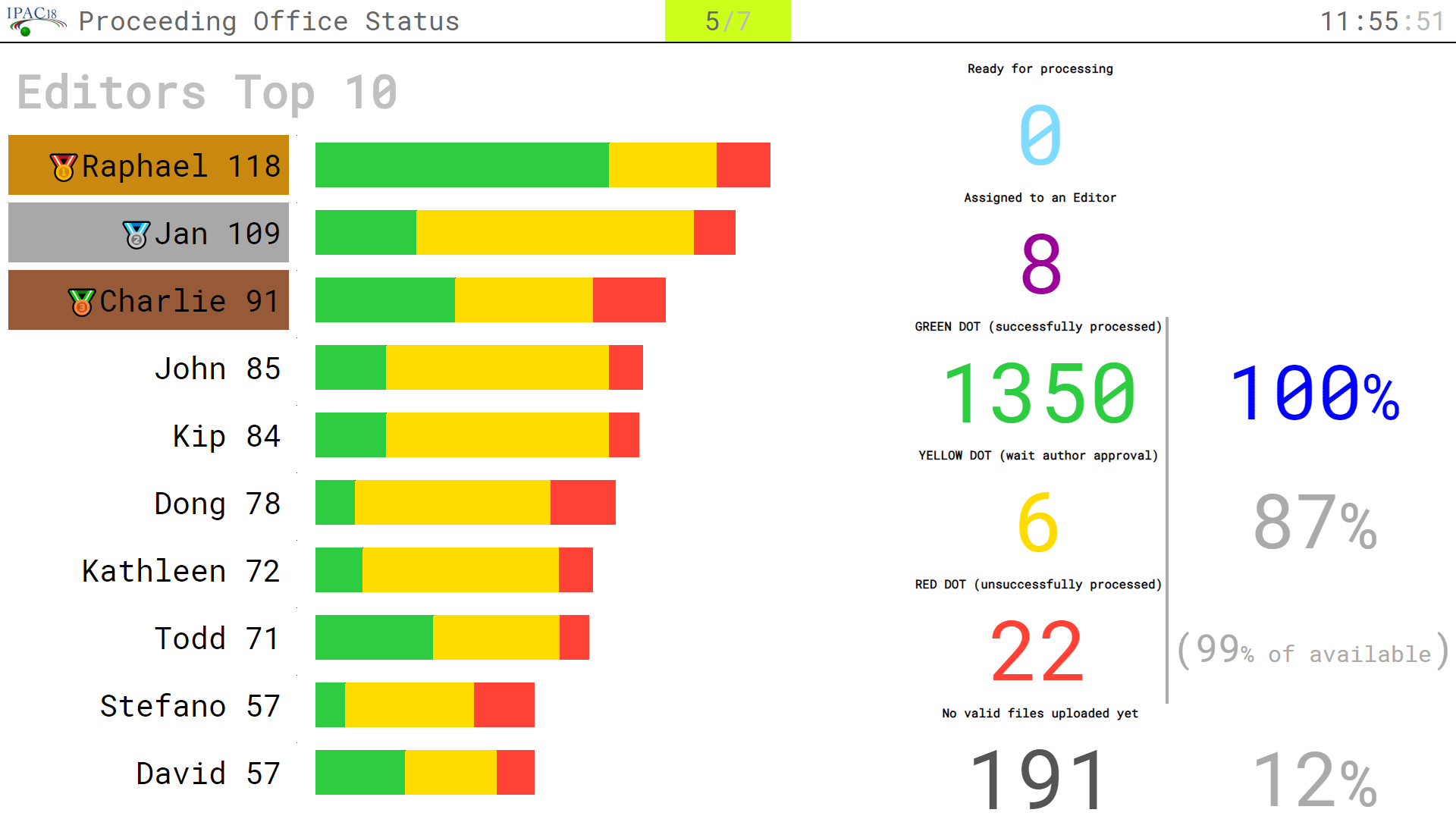
Editors Top 10 (QA)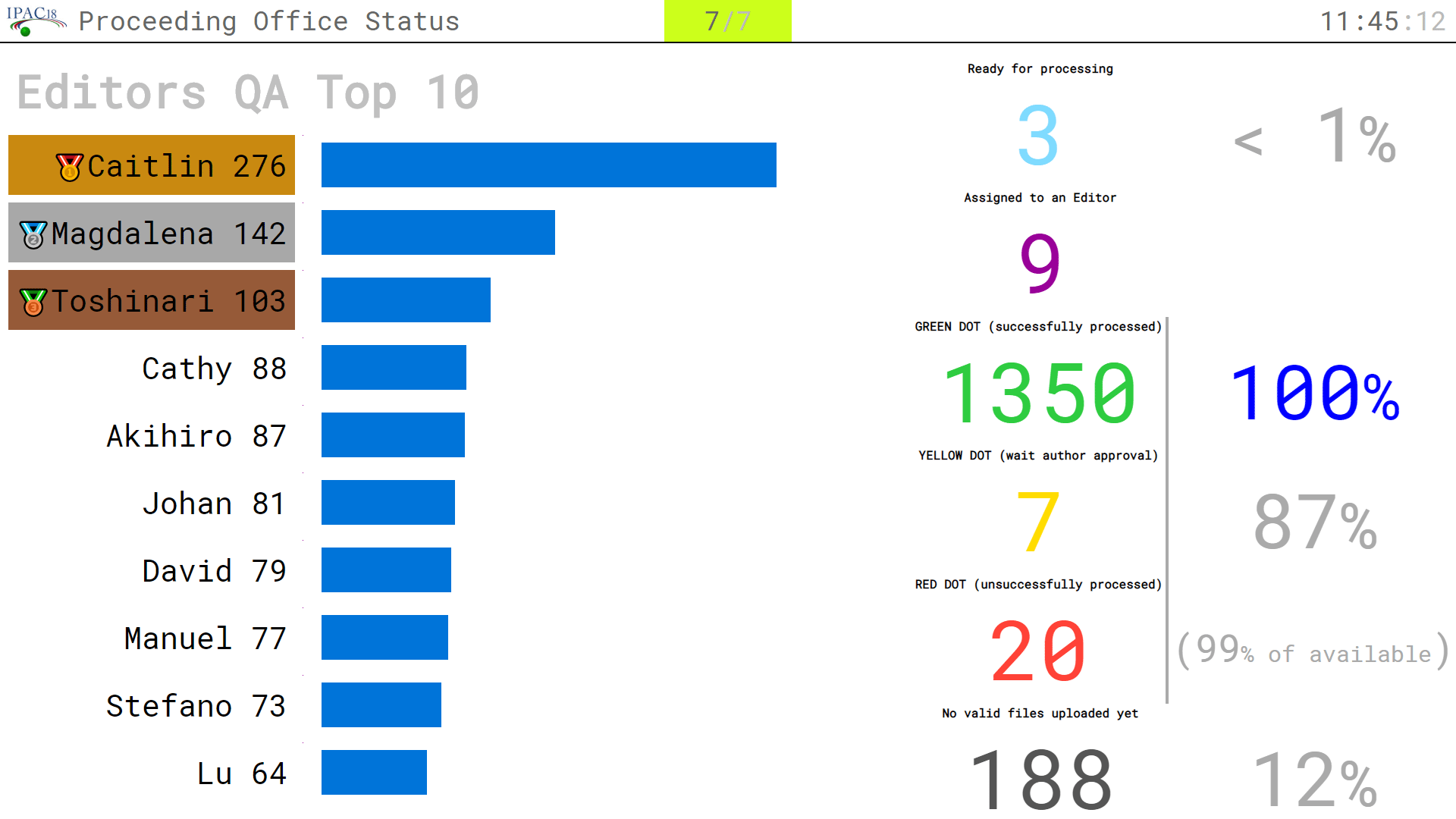
QA Daily Rates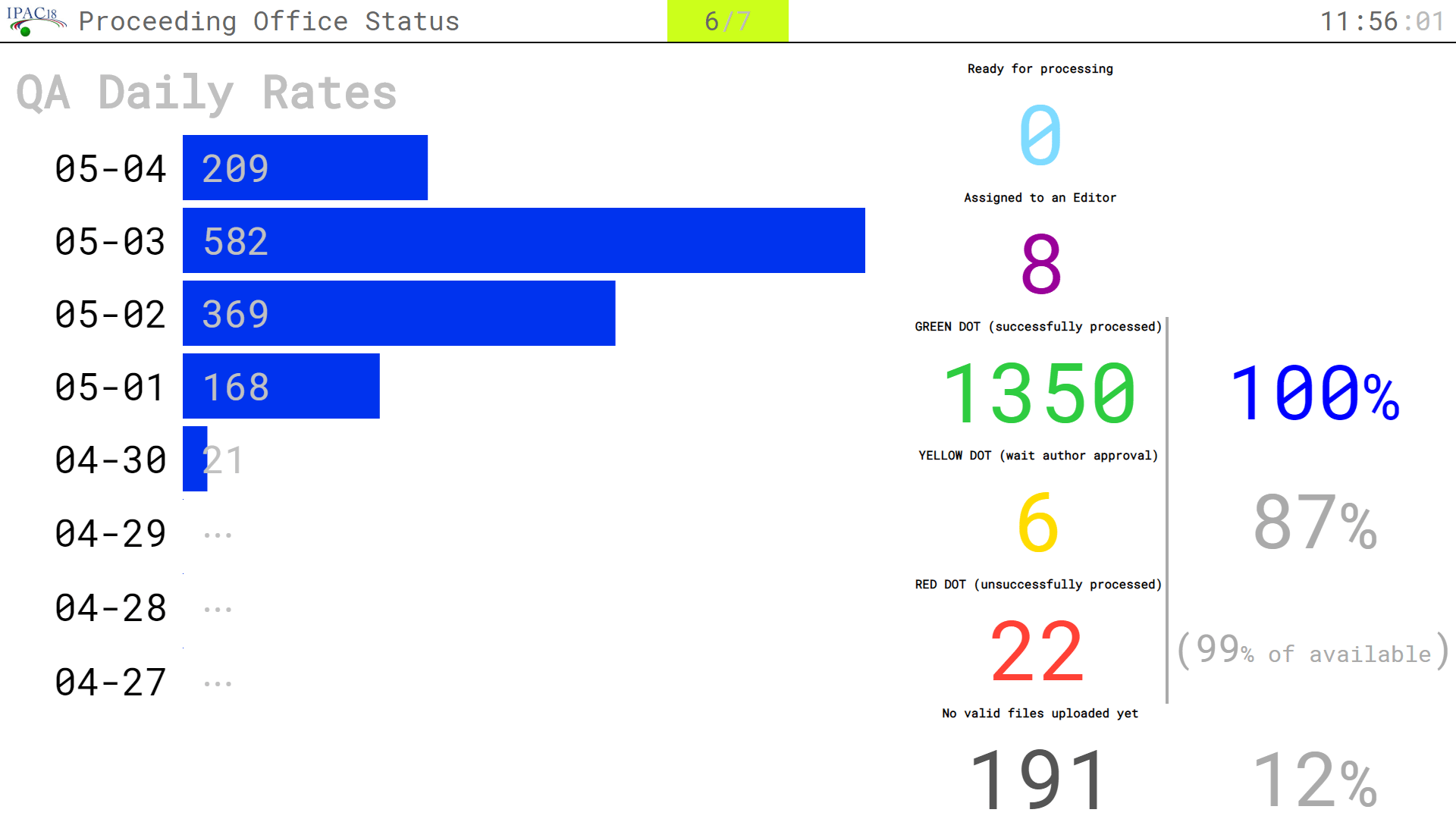
Paper Processing Status PageScript: page_edot The SPMS provides a similar page, but this can be more easily customized.
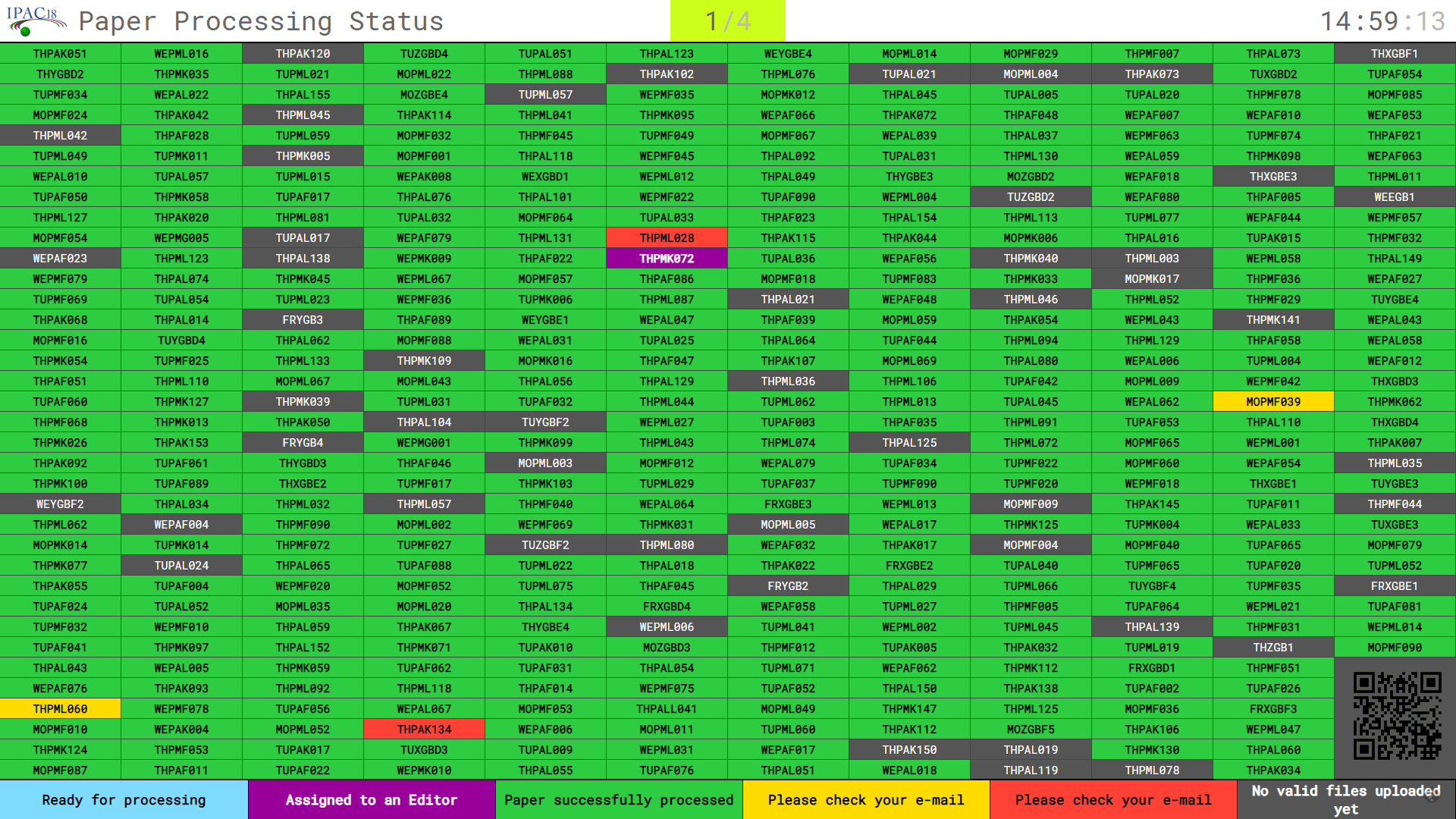
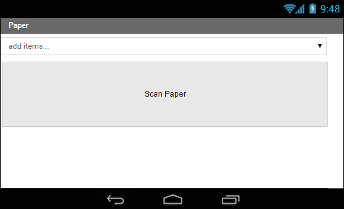
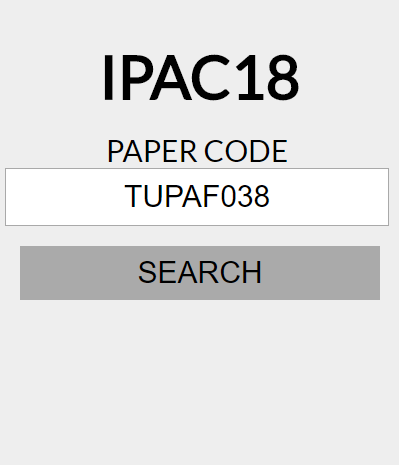
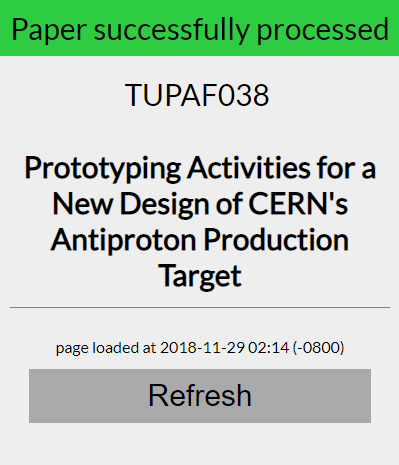
Paper Status AppScript: app_paper_status This page allows to quickly check the status of a paper processings. A QRcode available on the screens of the "Paper Processing Status" allows easy access to this page.
The requests on this page were:
Thank you!That's all folks!
|